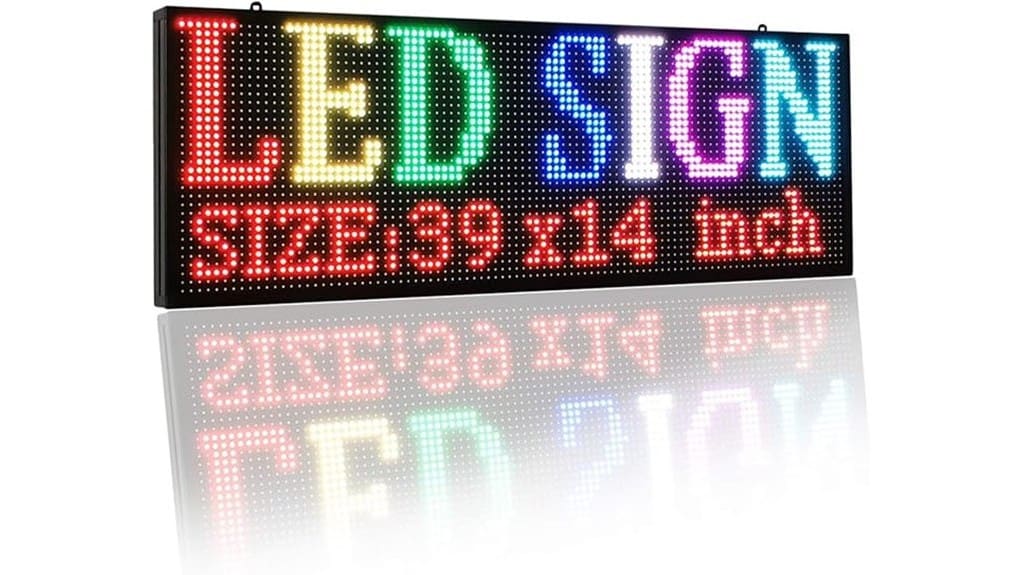
The P5 LED scrolling sign is a compact, energy‑efficient indoor board with a 192×64 panel that’s ideal if you want simple, programmable messaging for counters or pop‑ups. You’ll mount it quickly, program via USB or Wi‑Fi, and store up to 100 messages that survive power loss. Text and bold graphics display clearly at short range, though fine detail and Mac support are limited. It’s solid and low‑power—keep going to see setup tips, performance notes, and alternatives.
Some Key Takeaways
- Compact 39×14‑inch P5 LED board (192×64) is ideal for shopfronts, counters and pop‑ups with clear text and simple graphics.
- Stores up to 100 messages in non‑volatile memory and retains them after power loss for reliable daily use.
- Programmable via USB using Windows software or remotely over Wi‑Fi through QR code and mobile app.
- Best for bold fonts, logos and short motion accents; limited resolution makes fine detail and ornate fonts unsuitable.
- Durable aluminum frame, low power draw, and solid thermal design suit indoor commercial environments with basic maintenance.
What the P5 LED Scrolling Sign Is and Who Should Buy It
If you’re looking to catch customers’ attention with rotating messages, the P5 LED Scrolling Sign is a compact, indoor advertising board that delivers clear, high‑brightness text, images and short videos at 192×64 resolution. You’ll get a 39×14‑inch aluminum display that’s lightweight and energy‑efficient, suited for shopfronts, counters and pop‑ups. It stores up to 100 messages and retains them after power loss, which supports consistent retail promotions and sustained customer engagement. You’ll appreciate straightforward, programmable content options without unnecessary complexity. Buy this if you want an innovative, reliable tool to amplify visual messaging in confined indoor spaces. The display pairs well with backlit letter boards to brighten shop signage and enhance visibility.
Hands‑On: Setup, Wi‑Fi and USB Programming, and Typical Workflow
Getting the P5 sign up and running is straightforward: mount it with the included holders, plug in power, and choose whether you’ll program via USB from a Windows PC or over Wi‑Fi from your phone. You’ll use Windows software to save message files to the supplied USB drive; plug into the sign to transfer — reliable and fast. For Wi‑Fi, scan the code, install the mobile app, and push updates remotely. Typical workflow: design on PC or phone, test, schedule, then deploy. Installation tips: level mounting, secure power. Keep mobile troubleshooting steps handy for network hiccups and app pairing. Many users find routine content scheduling and message templates speed deployment and ensure consistency with brand display best practices.
Display Performance: Brightness, Resolution (192×64), Fonts, Images and Video
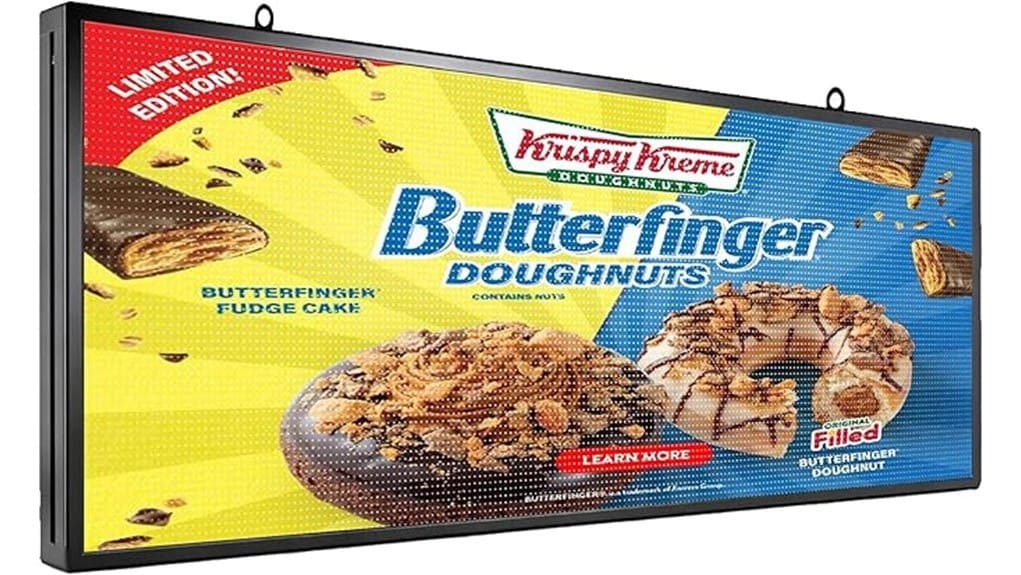
Although compact, the P5’s 192×64 resolution delivers surprisingly crisp text and simple graphics at typical indoor viewing distances, so you can expect clear fonts without flicker and readable logos when placed within a few meters. You’ll notice high contrast rendering that makes messages pop against ambient lighting, and brightness controls that suit retail or reception environments. Fonts scale cleanly but complex typefaces lose fine detail at this pixel density, so stick to bold, geometric styles. Images and short videos work for logos and motion accents, especially when you enable refresh rate optimization to minimize ghosting and preserve smooth scrolling. These displays pair well with illuminated signage systems used by businesses to share a message and attract attention.
Durability, Power Use and Reliability: Build, Components, Memory and Lifespan
Because the P5 uses an aluminum frame and quality internal components, you can expect solid durability for indoor use and consistent performance over time. You’ll get long-lived chips and pure copper double electric capacitors that extend service life while keeping energy draw low. Memory holds up to 100 messages and retains content after power-off, so data reliability is strong. Thermal management is adequate for indoor environments but benefit from unobstructed airflow and a simple maintenance schedule to avoid dust build-up. Overall, the sign balances low power consumption with dependable electronics for routine commercial display duties. These units pair well with durable waterproof sign letters for clear outdoor messaging and coordinated indoor-outdoor campaigns.
Buying Verdict: Pros, Cons, Best Use Cases, and Alternatives
With solid build quality, long-lived components, and reliable message retention, the P5 LED Scrolling Sign makes sense for small businesses that need a low-maintenance, energy-efficient indoor display. You’ll get clear, high-brightness text, WiFi and USB programming, and neon-style visuals that pair modern function with retro aesthetics. Pros: durable hardware, strong memory, low power, easy install. Cons: Windows-only PC software, limited resolution for detailed graphics. Best use cases: retail counters, cafes, reception desks, event promos. Alternatives: higher-res indoor panels or cloud-managed smart signs if you need advanced graphics, scalability, or broader accessibility features. This product is ideal for businesses that want to amplify their message with distance-readable letters and simple installation.
Some Questions Answered
Does It Support Scheduling Messages by Date and Time?
Yes — you can schedule messages by date and time. You’ll set timed playlists via the Windows software or mobile app, letting messages trigger on real time triggers and follow calendar integration logic. The system stores schedules in its strong memory so programmed events persist after power cycles. It’s efficient and precise, though note PC scheduling requires Windows; Mac users must use the mobile WiFi app for remote scheduling.
Can Multiple Signs Be Synced via Wi‑Fi?
Yes — you can sync multiple signs via Wi‑Fi, but it’s limited. You’ll get basic wireless synchronization for simultaneous playback using the app, not full mesh networking across many nodes. For small clusters you’ll achieve coordinated schedules and identical content; for larger, resilient networks you’ll find the system lacks advanced mesh features. If you need scalable, fault‑tolerant syncing, consider dedicated mesh‑capable signage solutions instead.
Is There a Warranty Beyond Amazon’s 30‑Day Return Window?
No — the seller only lists Amazon’s voluntary 30‑day return guarantee; there’s no stated manufacturer extended warranty. You should assume no additional coverage unless you buy separate protection. Consider purchasing an extended warranty from Amazon or a reputable third‑party provider, and be aware that unauthorized third‑party repairs might void any implicit protections. If you need longer support, contact the seller before buying to negotiate written warranty terms or service options.
Can I Display Animated GIFS or Only Video Files?
Yes — you can display animated GIFs, but the sign treats them like videos via frame extraction. You’ll convert GIFs into sequential frames or a supported video file using the provided software or a converter, then upload via USB or WiFi. That means animations work, though color/frame rate may be reduced by resolution and processing limits. It’s practical and innovative, but test complex GIFs to make certain smooth playback and acceptable clarity.
What File Formats Are Supported for Images and Videos?
You can use common image formats like JPEG, PNG and GIF, and video files in MP4 (H.264) and AVI. This file compatibility covers stills, animated GIFs and standard video playback; codec support is focused on H.264 for reliable performance. You’ll transfer via USB or WiFi; the system favors widely supported codecs to guarantee smooth playback, efficient storage and predictable rendering on the 192×64 LED panel.