
You’ll get a commercial‑grade 50‑inch 4K wall‑mount panel built for 24/7 use, so you can run menus, promos, and wayfinding without consumer‑TV headaches. It delivers 1000 nits for high ambient legibility, 178° viewing, a 50,000‑hour rated lifespan, and an all‑metal chassis with smart heat dissipation. Android 11, 4 GB/64 GB, free CMS, and zoned layouts make content management straightforward. Installation and tiling need careful alignment and cable planning — keep going to see the full specs and deployment tips.
Some Key Takeaways
- Commercial 50″ 4K signage panels offer 1000‑nit brightness and 178° viewing for readable, color‑accurate public displays.
- All‑metal chassis and intelligent heat dissipation support 24/7 operation and a 50,000‑hour rated lifespan.
- Android 11 with 4 GB RAM, 64 GB storage, Google Play, and free CMS enables remote scheduling and app flexibility.
- Narrow 6.8 mm bezel and adjustable wall brackets allow precise tiling and millimeter alignment for multi‑panel arrays.
- Check warranty, on‑site service options, thermal clearance, and cable management for reliable long‑term deployment.
What the 50‑Inch Wall‑Mount Display Actually Is and Who It’s For
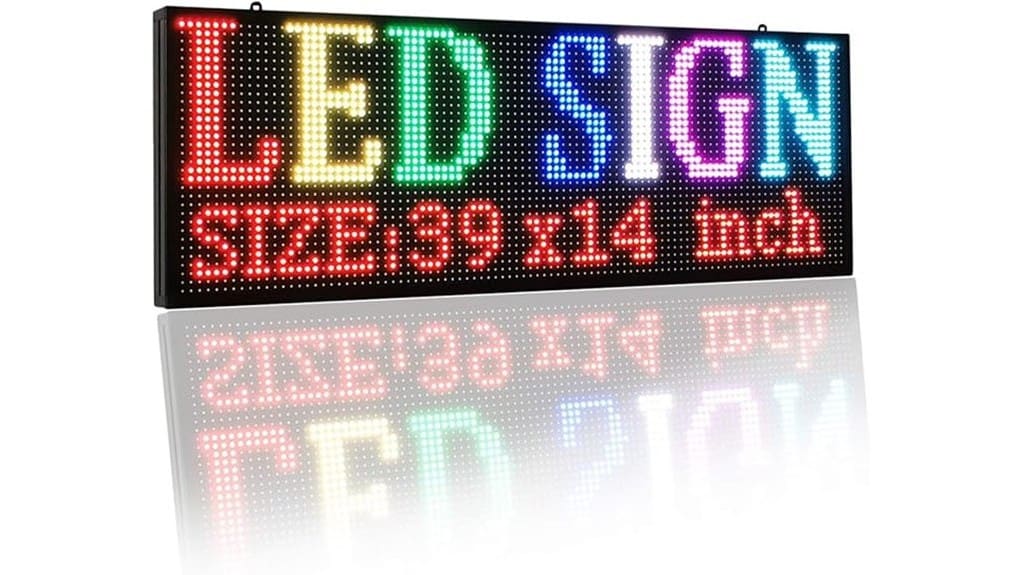
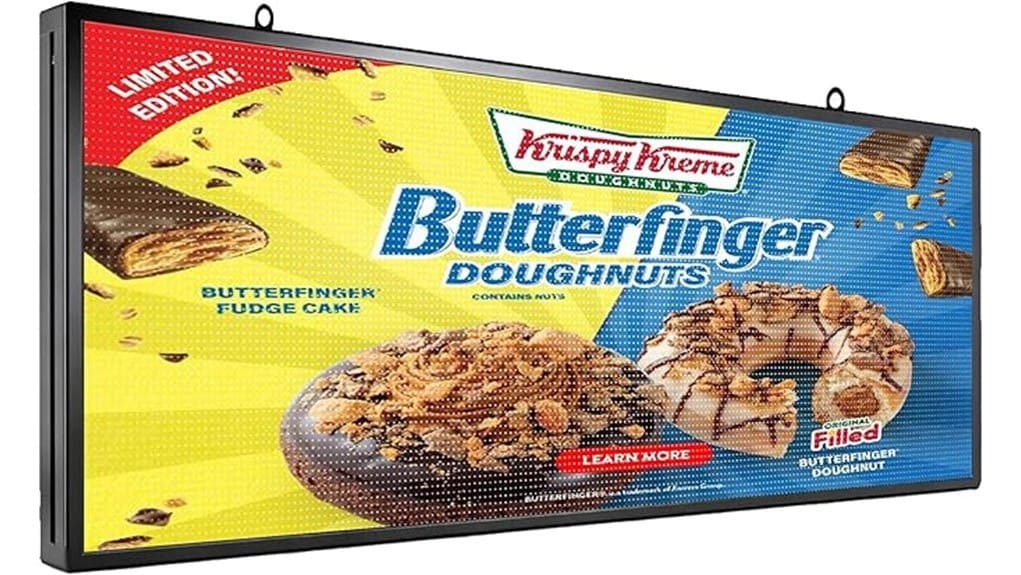
While the 50‑inch wall‑mount display looks like a large TV, it’s a commercial-grade digital signage panel built for continuous public use: you get a 4K, 1000‑nit screen with a 6.8 mm bezel and an all‑metal chassis designed for stable, 24/7 operation. You’ll deploy it where durability and clarity matter: restaurant signage and retail menus, lobbies, and wayfinding. You’ll benefit from tiled layouts and zoned content to serve promotions and operational info simultaneously. You’ll use built-in Android tools and remote CMS to schedule, update, and monitor content, reducing manual intervention and accelerating digital transformation. This makes it ideal for sites using rotating message signs that need reliable, always-on displays.
Real-World Hardware and Screen Performance: Brightness, Viewing Angle, and Durability
Because you’ll often mount this display in bright, high-traffic spaces, its real-world performance comes down to three measurable strengths: a 1000-nit peak brightness that keeps text and images legible under ambient light, a 178° viewing angle that preserves color and contrast for viewers off-center, and a 50,000‑hour rated lifespan supported by an all‑metal chassis with intelligent heat dissipation for continuous operation. You’ll appreciate precise high contrast calibration options that maintain blacks without crushing detail, and ambient sensorintegration that auto-adjusts brightness to save energy. Build quality and thermal design guarantee stable output, minimal color shift, and reliable 24/7 uptime. The display pairs well with durable UV-resistant letter sets designed for lasting signs in high-traffic environments.
Software, Connectivity, and Media Features That Affect Daily Use
When you manage content daily, the display’s Android 11 platform, pre-installed Google Play Store, and free CMS cut setup and scheduling time substantially. You’ll deploy playlists, set automatic menu windows, and push updates remotely via cloud integration without manual USB swaps. The 4 GB RAM/64 GB storage keeps apps responsive while HDMI plug-and-play preserves compatibility. Dividable interactive zones and Touch interactivity let you run simultaneous videos, social feeds, QR codes, and live data with precise user control. Real-time brightness, volume, and power adjustments streamline operations. Overall, the software and media features prioritize reliability, scalability, and efficient content workflows for innovative deployments. These capabilities make it easy to create eye-catching messages tailored for programmable sign systems.
Installation, Mounting, and Multi‑Screen Tiling: What You Need to Know
If you plan to mount a 50‑inch digital signage panel, precise alignment, ventilation, and secure anchoring are essential to guarantee longevity and seamless multi‑screen tiling. You’ll choose adjustable brackets to achieve millimeter-level alignment across ultra-narrow bezels; check thermal clearance to preserve the all-metal chassis’ heat dissipation and 50,000‑hour lifespan. Plan cable management routes before installation to avoid signal loss and simplify maintenance. Evaluate tilt options for viewing-angle optimization in varied venues. For tiled arrays, verify synchronized power and input mapping, and use calibrated positioning tools so each 4K panel integrates predictably into a unified canvas. Consider adding weather shields like protective covers when signage is used outdoors to extend the display’s life.
Value Check: Pricing Considerations, Ideal Use Cases, and Buying Recommendation
Although price will vary by vendor and configuration, you should weigh upfront cost against long-term operational value: the 50‑inch 4K panel‘s premium features—1000 nits brightness, 50,000‑hour lifespan, all‑metal chassis with intelligent heat dissipation, and Android 11 with 4 GB/64 GB—justify a higher initial outlay for continuous commercial use, especially where reliability and bright, wide‑angle visibility matter. Assess budget comparison across vendors, factoring bulk discounts and lease options for rapid rollout. Check return policy and warranty coverage details—on-site service and parts replacement matter. Buy if you need robust, bright, manageable signage for high-traffic retail, transit hubs, or hospitality. Consider also whether you need weatherproof letter kits for outdoor complementary messaging when planning installation and durability.
Some Questions Answered
Does It Support Touchscreen or External Touch Overlays?
No native touchscreen is included, but you can use touch compatibility via external touch overlays. You’ll need to select overlay types (IR, PCAP) that match the 50-inch panel and connect via USB/serial. The Android system accepts standard touch drivers, so overlays typically plug-and-play. Evaluate latency, surface hardness, and bezel fit for multi-screen tiling. For interactive applications, choose PCAP overlays for higher accuracy and IR for cost-effective durability.
Can I Lock the Play Store or Restrict App Installations?
Yes — you can. You’ll lock the Play Store and restrict app installations by using kiosk mode and managing app permissions centrally. Enable kiosk mode to fix the device to a single app or curated set of apps, then disable Play Store access. Use the CMS or Android enterprise settings to push policies, whitelist apps, control permissions, and remotely enforce installations or removals. This gives secure, predictable operation for innovative deployments.
What Warranty and On-Site Service Options Are Available?
You get a standard manufacturer warranty plus optional extended warranty plans; you can purchase Extended warranty coverage for extra years that includes parts and labor. Onsite service options vary by region: you’ll often have next-business-day or scheduled Onsite service for hardware faults, with technicians dispatched for repairs or replacements. You can monitor service status remotely, escalate issues, and choose SLA tiers that match your uptime and innovation needs.
Is There an Ambient Light Sensor for Automatic Brightness Adjustment?
Yes — the display includes light sensing for ambient calibration, so it adjusts brightness automatically. You’ll get consistent legibility and energy efficiency as the sensor measures room illumination and the system applies calibrated brightness profiles. This reduces manual tuning and improves viewer comfort across locations. It’s a practical, innovation-oriented feature that supports reliable 24/7 operation and seamless integration into varied lighting environments, especially for multi-screen deployments.
Can It Run as a Media Player Without Network Connection?
Yes — you can run it offline. You’ll use local storage (64 GB) for media files and rely on offline playback and HDMI plug-and-play to play 4K content without a network. The Android system with 4 GB RAM handles continuous loop playback, multi-zone layouts, and smooth changes locally. That lets you deploy reliable, network-independent signage for remote or secure locations while retaining high-quality, scheduled playback controlled on-device.