If you need a compact, high-detail indoor banner, the GOTUS P5 gives you a flexible 32″×6″ P5 matrix that’s noticeably sharper than common P10 signs. You’ll control it over Bluetooth with the CoolLED1248 app, switch single- or double-row modes, and upload GIFs easily. Brightness suits window-facing indoor use but not direct sun; expect limited battery runtime and occasional heat at high brightness. Continue for setup tips, mounting options, and practical pros and cons.
Some Key Takeaways
- P5 resolution offers sharp, pixel-dense output ideal for indoor viewing distances under ~3–6 meters, noticeably crisper than P10 signs.
- Flexible 32″×6″ P5 LED banners deliver clear logos and small text for retail windows, bars, and event decor.
- Bluetooth control via CoolLED1248 simplifies GIF uploads, brightness, and single-/double-row layout adjustments.
- Bright enough for window-facing indoor use and moderate daylight, but not suitable for direct outdoor sunlight.
- Trade-offs: higher cost and limited battery life versus P10, plus firmware and heat management considerations for continuous use.
What the GOTUS P5 LED Sign Actually Is and Who It’s For
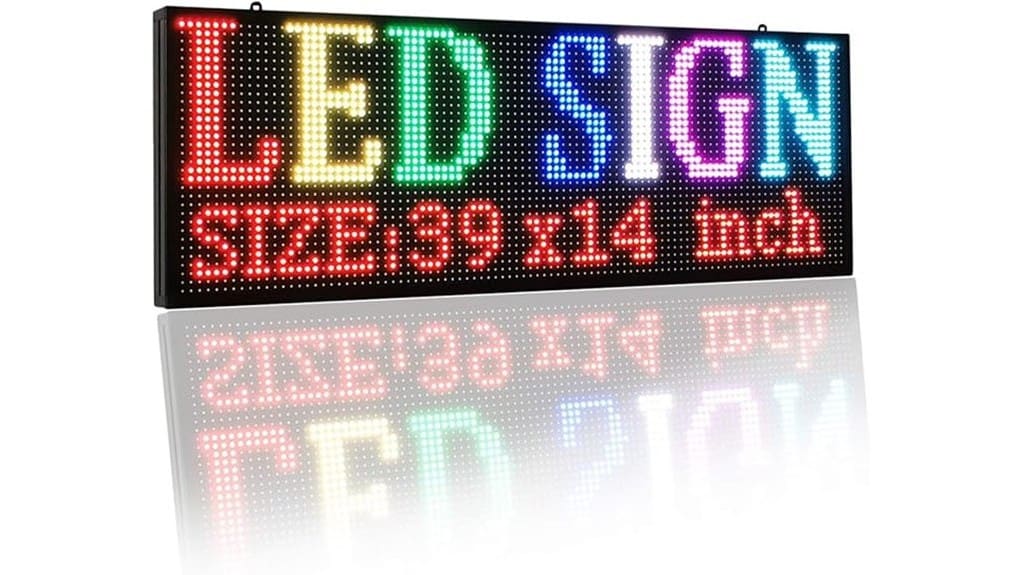
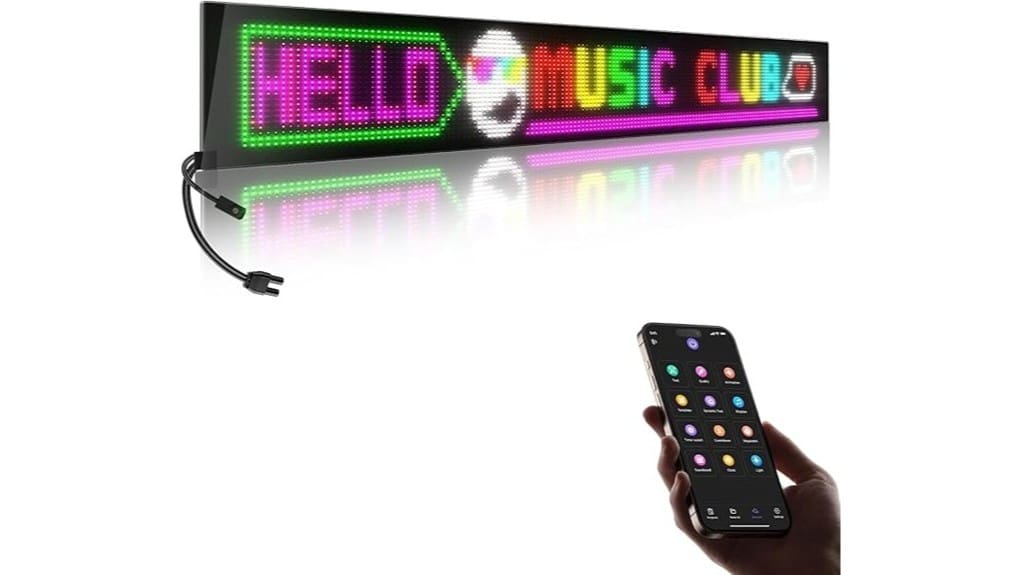
Think of the GOTUS P5 as a thin, flexible indoor LED banner built for small-business visibility; it packs a P5 resolution matrix into a 32″ x 6″ form factor that’s lighter and sharper than common P10 signs. You’ll get a focused product overview: a lightweight, curvable LED board with Bluetooth app control, built GIF libraries, and single- or double-row modes. Your target audience includes retail shop owners, bars, and event decorators who value compact, programmable signage. You’ll appreciate the practical install kit and low weight. Evaluatively, it’s a purpose-driven innovation for storefront impact and adaptive displays. Our shop specializes in backlit letter boards designed to brighten your message with attractive, easy-to-use signage.
Real-World Performance: Brightness, P5 Clarity, and Display Modes
When you power the GOTUS P5 in a typical indoor storefront, its brightness reads as adequate for window-facing displays—visible through moderate daylight but not intended to compete with direct sunlight—thanks to dense P5 LEDs that deliver crisper edges and finer text than P10 modules. You’ll notice pixel-level precision in logos and small type; P5 clarity reduces aliasing on animations. The sign supports single- and double-row display modes, letting you trade height for resolution. Ambient dimming preserves contrast at night. Color accuracy is good for vibrant branding, though calibration options are limited; expect professional results for most retail scenarios. These signs are built to last in outdoor conditions with durable waterproof construction suitable for clear, long-lasting messages.
Setup, Mounting, and Bluetooth App Walkthrough (CoolLED1248)
Getting the GOTUS P5 up and running is straightforward: you’ll attach the flexible panel, pair it via the CoolLED1248 app, and configure basic display settings before final mounting. You’ll unroll the thin board, use included 3M tape or optional brackets, and confirm orientation. In the app, follow Bluetooth pairing prompts, name the device, and update firmware if offered. Configure single- or double-row modes, brightness, and GIF timing; preview changes in real time. Evaluate available Battery options for your installation—direct power is preferred for continuous retail use. The workflow is fast, predictable, and focused on iterative customization. For long-term message clarity and protection consider a protective sign case to shield the panel from damage and weather.
Pros, Cons, and Common Problems From Actual Users
Although the GOTUS P5 wins points for its sharp P5 resolution, flexible thin-board design, and straightforward CoolLED1248 Bluetooth setup, users report a mix of strengths and annoyances you should weigh before buying. You’ll like crisp text, low power draw in static modes, and easy GIF uploads. Common cons include limited battery life expectations (external power required for long runs), occasional firmware updates that fix bugs but add complexity, noticeable heat buildup during high-brightness use, and concerns about cable durability at attachment points. Overall, you’ll get innovation and portability, but plan for power, thermal management, and periodic software maintenance. The product is aimed at customers who use a sign to share a message and benefits from programmable sign systems expertise.
Should You Buy It? Use-Case Recommendations and Value-for-Money Verdict
Wondering if the GOTUS P5 is worth it for your shop or event? You’ll find it compelling if you need high-density indoor signage with flexible mounting and Bluetooth control. Evaluate pricing strategy against P10 alternatives: higher upfront cost but better clarity for close-range displays. Buy if you prioritize quick, programmable messaging for retail windows, bars, or events. Note compatibility concerns with your control devices and the CoolLED1248 app—test pairing first. Factor in accessory options (tape, cable) and plan maintenance tips: keep vents clear, update firmware, and limit continuous high-brightness to extend lifespan. Overall, good value for focused use-cases. Bright Letter Signs sells related illuminated letter products and accessories that complement programmable LED modules like the GOTUS P5, useful for integrating signs and lettered displays illuminated sign letters.
Some Questions Answered
Does It Work Outdoors in Rain or Direct Sunlight?
No — it’s not rated for outdoor use; there’s no waterproof rating, so you shouldn’t expose it to rain. You’ll also face limited sun visibility because the P5 indoor LEDs and thin flexible design aren’t optimized for bright ambient light. If you want outdoor deployment, look for a unit with an IP65+ waterproof rating and higher-brightness modules designed for sun visibility; those will survive weather and remain legible in direct sunlight.
Can Multiple Signs Sync Together via Bluetooth or App?
Yes — you can sync multiple signs, but with limits. You’ll rely on Bluetooth pairing and App control (CoolLED1248) to link units; the app supports grouping and simultaneous content pushes for simple synchronized displays. Expect range and device-count constraints typical of Bluetooth LE, so performance may degrade with many signs or through glass. For larger arrays you’ll want wired or dedicated RF solutions, but for small multi-sign setups the app-controlled sync is practical.
What Is the LED Sign’s Power Consumption and Adapter Specs?
The sign draws about 5–8W in typical use; peak power draw can reach ~10W. You’ll want an adapter rating of 12V DC, 1A (minimum) to cover current draw and transient spikes. Voltage input is 12V DC; current draw averages ~0.4–0.7A but can spike toward 1A under bright, full-frame content. Use a regulated 12V adapter with short-circuit protection for reliable operation and longevity.
Are Replacement Adhesive Strips or Mounting Accessories Sold Separately?
No — replacement adhesive strips or mounting accessories aren’t listed as sold separately; you’ll need adhesive alternatives or third-party mounts. You can use stronger 3M VHB strips, command strips rated for the weight, or low-profile bracket mounting hacks with clips and Velcro for curved installs. Test load and surface compatibility, measure for even bonding, and prefer non-destructive adhesives if you plan reuse. Document your mounting choice for warranty considerations.
Is There a Warranty Beyond Amazon’s 30-Day Return Window?
No — the manufacturer only references Amazon’s 30-day return guarantee; there’s no stated extended warranty. You can pursue third party protection or an extended warranty plan through Amazon or independent insurers for hardware coverage beyond 30 days. If you want durable service, compare plan terms, failure coverage, response times, and deductibles. Choose a third party protection option that supports electronics, accidental damage, and expedited replacement to match your innovation needs.