You’ll get a compact 40″ P6 outdoor LED sign with 160×64 RGB pixels, up to 4,000 cd/m² peak brightness, and IP65 weatherproofing for reliable outdoor use. It’s controllable via built‑in Wi‑Fi or USB and supports scheduled playlists, text, images, tables, countdowns and sub‑720p video. Expect good daytime legibility to ~19 ft, wide 140° viewing and simple firmware updates, though resolution limits fine detail—keep going to see performance, setup and buying tips.
Some Key Takeaways
- 40″ P6 (6mm) panel offers 160×64 resolution—good for text, logos, and sub‑720p video but not fine-detail HD imagery.
- Peak 4,000 cd/m² brightness and adjustable control provide daylight legibility to about 19 ft and reduced glare at night.
- Full‑color RGB LEDs with 140° viewing maintain consistent color across wide horizontal and vertical angles.
- IP65 weatherproofing and modular design simplify outdoor installation and on-site servicing, reducing downtime from rain and dust.
- Content via Wi‑Fi or USB with smartphone/PC editor supports scheduled playlists, countdowns, and firmware updates.
What the P6 Outdoor LED Sign Offers (Key Specs and Features)
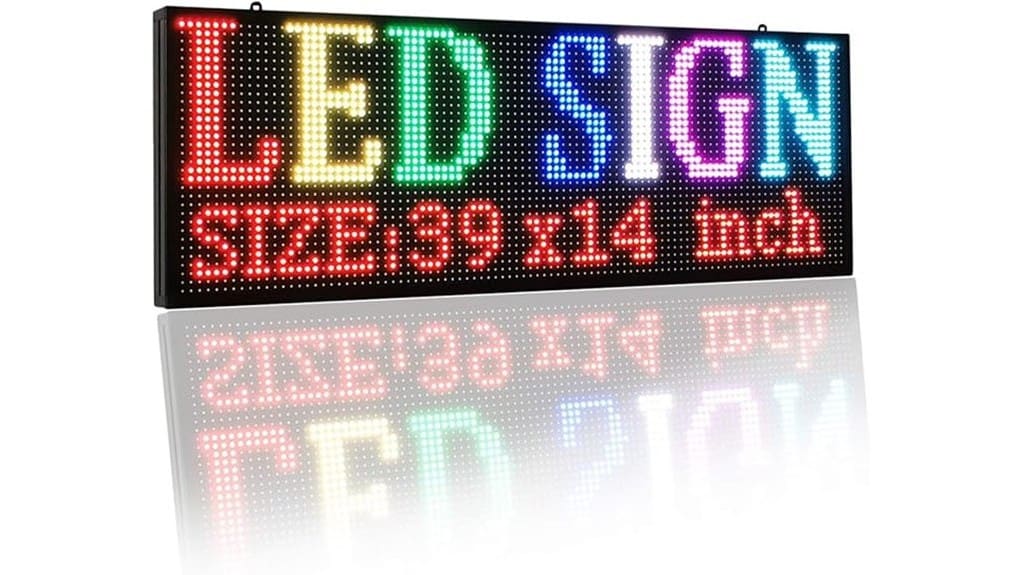
While designed for outdoor use, the P6 Outdoor LED Sign packs precise, technical features for clear commercial messaging: a 160×64 resolution on a 40″×17″ P6 (6 mm) panel yields ideal visibility from about 19 ft with a 140° horizontal/vertical viewing angle; full-color RGB LEDs deliver up to 4,000 cd brightness (adjustable) and an IP65 rating guarantees weather resistance; it supports video under 720p as well as text, images, tables, countdowns, and scheduled playback, and offers built-in Wi‑Fi (≈30 ft range), USB content loading, and software control for programming and updates. You’ll assess energy consumption, mounting, and required installation tools; the unit’s modular design aids quick servicing, while software and USB workflows streamline content updates. The product is well suited for businesses that want a low-maintenance backlit message solution for frequent content changes.
How the P6 Performs in Real-World Use (Brightness, Viewing Angle, Weather Durability)
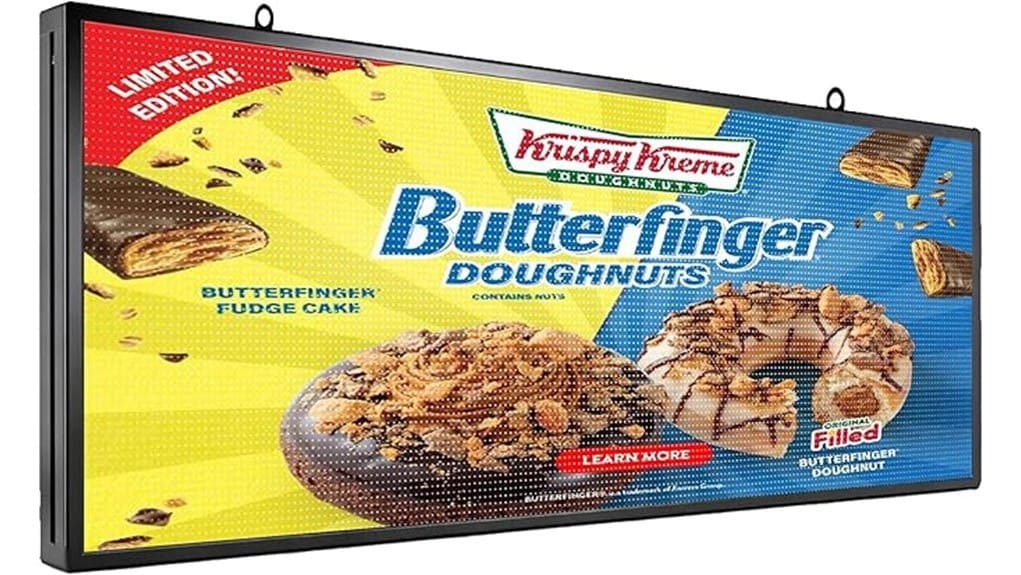
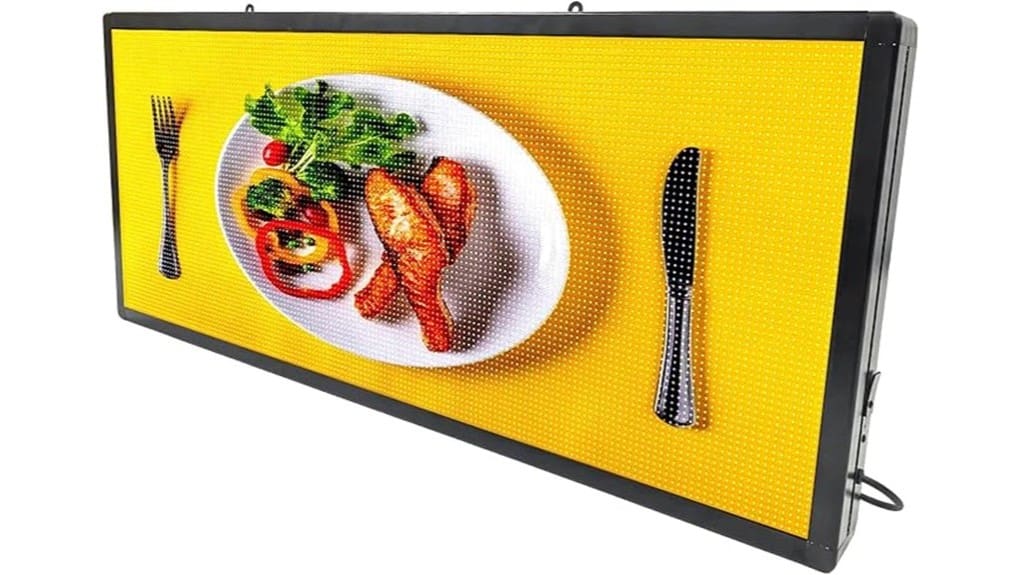
Turn the P6 up in daylight and you’ll see why its 4,000 cd/m² peak brightness matters: it delivers strong, legible colors and contrast at the specified ~19 ft viewing distance, with brightness control allowing you to dial output down for night use to avoid glare. You’ll notice consistent color across the 140° viewing angle; horizontal and vertical tolerances preserve fidelity as viewers move. The P6 resists ambient glare better than lower-brightness units, improving long range readability for roadside or plaza placement. IP65 sealing and tested electronics sustain operation in rain and dust, minimizing downtime and maintenance. Durable UV-resistant letter sets also help preserve sign appearance and legibility over time, reducing fading and the need for frequent replacements UV-resistant letter sets.
Content, Control, and Connectivity : Setup and Day-to-Day Operation
Brightness and weather resistance matter, but getting content on-screen and keeping it current is what you’ll spend most of your time doing. You connect via Wi‑Fi or USB, install the smartphone or PC editor, and import images, tables, or sub-720p video. The editor supports multiple edit modes, color controls, borders, and precise timing.
You’ll schedule playlists and use remote scheduling to change messages without onsite access. Day-to-day control is streamlined; firmware updates are pushed or applied via USB. Expect a short learning curve, deterministic behavior, and reliable playback within the 160×64 resolution and 140° viewing envelope. These systems are aimed at users who want to design and display eye-catching messages for programmable signs.
Who Should Buy the P6 and Which Use Cases It Fits Best
Several types of buyers will find the P6 a practical choice: small businesses and venues that need crisp, schedule-driven messaging at ~19 ft, installers who require a weatherproof, IP65-rated panel for outdoor placement, and marketers who want full‑color, sub‑720p video and precise timing without complex infrastructure. You’ll favor the P6 if you manage retail storefronts, coordinate event promotion, or oversee displays at transportation hubs or educational campuses. It fits applications needing readable text, timed playlists, and moderate-resolution video where durability, adjustable brightness, Wi‑Fi control, and compact 40″ form factor matter more than high-definition imaging. Many users also value pairing this panel with wind-resistant bases for secure outdoor placement.
Pros, Cons, Pricing Considerations, and Buying Checklist
While the P6 delivers strong outdoor performance and flexible content control, you should weigh its trade-offs against your needs: it gives bright, adjustable 4000 cd full‑color output with IP65 durability, Wi‑Fi and USB control, and scheduleable playlists, but its 160×64 (P6) resolution limits fine-detail and high‑definition video to under 720p and favors viewing distances around 19 ft. Pros: compact size, energy-efficient LEDs, multi-mode connectivity, easy scheduling, and weatherproofing. Cons: low pixel density, limited viewing distance for detail, and modest Wi‑Fi range. Pricing: compare total cost of mount, power, and installation. Checklist: verify site line-of-sight, get installation tips, plan a maintenance schedule, confirm warranty and spare-part availability. Consider also whether you need weatherproof lettering for blending durable text with the LED display in outdoor settings.
Some Questions Answered
Does the Sign Support Multilingual Character Sets (E.G., Arabic, Chinese)?
Yes — you can display multilingual text. You’ll rely on the sign’s Unicode support and its font rendering engine to show Arabic, Chinese and other scripts. You’ll upload UTF-8 content via the app or USB; the software maps glyphs to the RGB matrix using configurable font files and rendering settings. You’ll need appropriate fonts and may tweak spacing, direction and size for complex scripts to guarantee legible, accurate output outdoors.
Can It Integrate With Third-Party Scheduling Software or APIS?
Yes — you can integrate it: the sign supports API integration and Scheduling compatibility through its built‑in Wi‑Fi and downloadable control software. You’ll connect via documented endpoints or import/export CSV schedules; the device accepts time/date triggers and recurrence rules. You’ll use the USB fallback for offline uploads. Expect to map fields (content ID, start/stop, priority) and to authenticate locally; advanced sync may require middleware for enterprise workflows.
What Is the Average Power Consumption (Watts) During Continuous Use?
You’ll see an average draw around 45–80 watts during continuous use, depending on brightness and content. Expect a thermal profile showing moderate heat dissipation from the LED modules and power supply; peak temperatures occur under sustained high-brightness video. You’ll want ventilation or thermal management for prolonged operation. Measure real-world consumption with a power meter, since scheduling, animations, and Wi‑Fi activity can raise steady-state draw within that stated range.
Are There Mounting Brackets or Pole-Mount Options Included or Sold Separately?
Yes — wall mountings are included for standard installations, while pole-mount and ground stakes are sold separately. You’ll get hardware for secure wall attachment; pole kits and ground stakes—designed for varied soil and pole diameters—require additional purchase. Specifications and compatible mounting templates are provided in the manual and software. If you’re innovating site layouts, choose the optional pole or stake kits to meet wind-load and mounting-height requirements.
Is There a Remote Monitoring/Diagnostic Feature for Troubleshooting Offsite?
Yes — you can monitor and troubleshoot remotely. You’ll use built‑in Wi‑Fi to enable remote diagnostics and push cloud alerts for status, brightness, playback errors, and connectivity. The phone/computer software connects to the sign, logs events, and lets you trigger restarts or upload fixes. You’ll get timestamped alerts and diagnostic readouts in the cloud, simplifying offsite fault isolation and reducing on‑site maintenance trips.