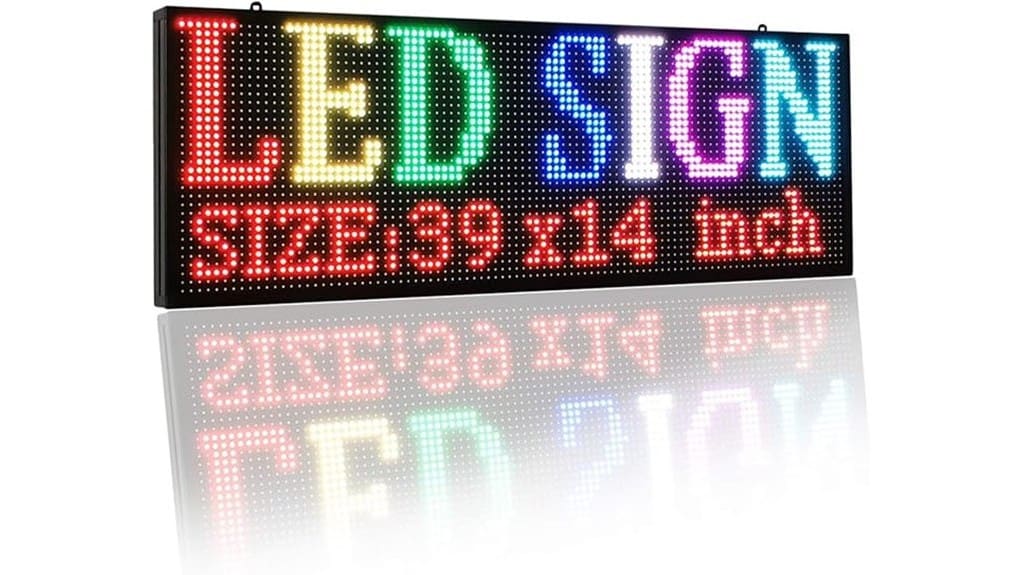
You’ll get a compact P10 IP64 scrolling LED sign that’s bright, full‑color, and energy‑efficient for sidewalk and nearby street visibility. It’s weather‑resistant against dust and splashes, so mount it under an awning or behind glass for best longevity. The controller and app let you schedule, animate, and upload P10‑resolution graphics easily, with USB or wireless updates. It’s ideal for cafes, salons, and pop‑ups — keep going to see setup, limits, and installation tips.
Some Key Takeaways
- Compact P10 IP64 scrolling LED signs offer clear, full-color messages suitable for sidewalk and nearby street visibility.
- IP64 protects against dust and splashes but requires shelter from heavy rain, immersion, or prolonged direct exposure.
- Programmable controllers and apps enable text, schedules, simple graphics, and USB or wireless content updates.
- High brightness, wide viewing angles, and efficient SMD LEDs ensure daytime legibility with relatively low power draw.
- Best for semi-protected storefronts, pop-ups, cafes, and small retailers; verify warranty and support before purchase.
Quick Verdict and Who Should Buy This P10 IP64 Scrolling LED Sign
If you need a compact, attention-grabbing display for a semi-protected storefront, this P10 IP64 scrolling LED sign delivers clear, full-color messaging with low power draw and simple programmability. You’ll appreciate its precise P10 pixel layout, outdoor-grade SMD LEDs, and IP64 housing for occasional moisture. It’s ideal if you want a portable battery backed option for temporary installs or pop-up events, and you’ll value software-driven updates for promotions. Choose this if you run a café, salon, gym, or small retailer seeking efficient, modern signage. Verify warranty length and support terms before purchase to make certain long-term reliability. Bright letter signs and other illuminated options are ideal for businesses wanting a visible brand that stands out day and night.
Brightness, Color Quality, and Visibility: Real-World Readability at Different Distances
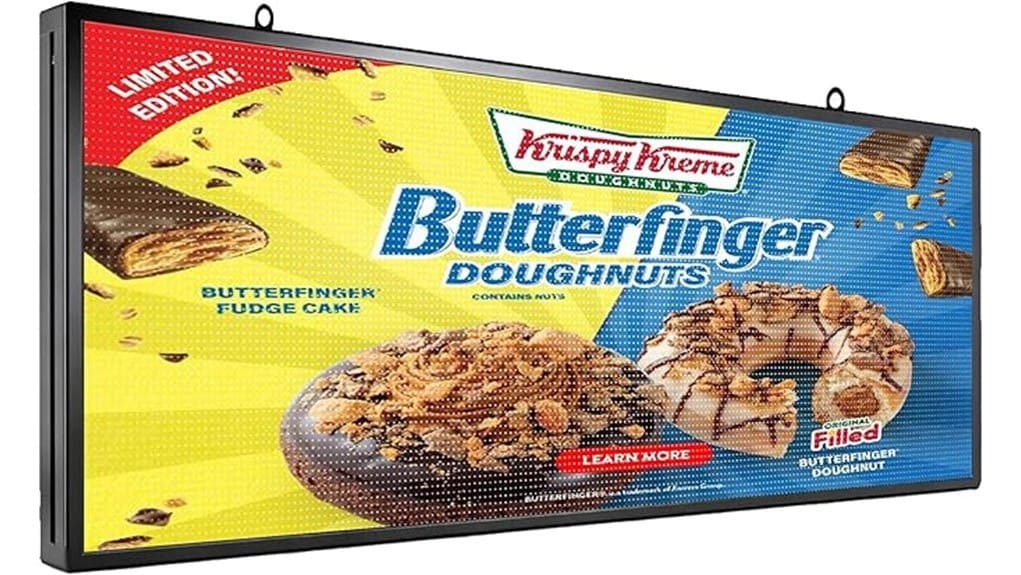
Beyond deciding whether this sign fits your storefront, you’ll want to judge how its brightness, color fidelity, and pixel density perform in real settings. At P10 density, text and simple graphics remain legible from medium distances; you’ll read promotional lines clearly from sidewalks and nearby streets. High brightness and good contrast ratios preserve color gradients and reduce washout under ambient daylight readability demands. Wide viewing angles keep messages consistent for passersby approaching from oblique directions. For complex graphics or long-range readability, you’ll notice limits — but for storefront impact and innovative messaging, this sign delivers strong, practical visibility. These LED letter lights are especially useful for businesses looking to brighten their message and attract attention outdoors.
Weather Resistance and Durability: What IP64 Covers and Where This Sign Is Safe to Use
Because the sign carries an IP64 rating, you can expect reliable protection against dust ingress and splashing water, but not against full immersion or heavy, direct rainfall. You’ll place it in semi-protected locations—behind windows, under awnings, or sheltered facades—where occasional showers and humidity are likely. Seal longevity depends on quality gasketing and proper mounting; check seals periodically and after impact. Ingress testing during manufacture confirms resistance levels, but real-world exposure shortens margins. For long-term outdoor innovation, pair the sign with simple physical protection and routine inspections to preserve performance without overengineering installations. Consider pairing the sign with weatherproof letter kits to improve sealing and signage longevity.
Programmability and Control: Setup, Templates, Animation Options, and Update Workflow
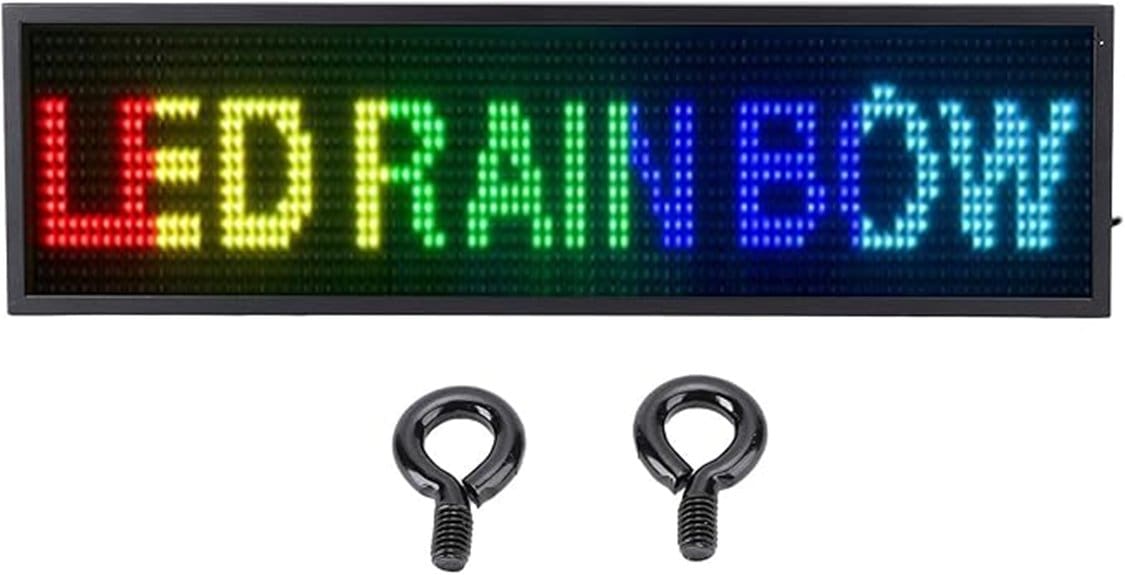
While you’ll have to perform a brief hardware and software setup, the sign’s controller and companion app make the process straightforward: connect power, link the controller to your network or USB, and load the configuration package that sets resolution, refresh rate, and color calibration. You’ll use templates for quick campaigns, edit text, schedules, and color gradients, and import graphics at P10 resolution. Animation controls let you choose scroll speed, direction, and custom patterns. Updates push via wireless syncing or USB; advanced setups support voice activation triggers and API hooks so you can automate content based on events or promotions. Many users design messages with readability and contrast in mind for eye-catching displays to maximize impact.
Power, Installation, and Use Cases: Power Consumption, Mounting Tips, and Ideal Businesses
When you plan placement and daily use, consider that the sign’s P10 SMD LEDs and efficient driver circuitry deliver bright output with relatively low draw, so typical continuous operation for a storefront will add only a modest amount to your electricity bill; expect peak consumption during full-white, high-brightness scenes and substantially lower draw for darker or scheduled content. You’ll perform energy budgeting around scheduled hours and brightness profiles. Mount using tamper-resistant brackets, seal cable entries, and route power for secure cable management. Ideal for cafes, barber shops, gyms, take-out restaurants and boutique retail seeking scalable, attention-grabbing messaging with minimal infrastructure. For outdoor use, pair the sign with a wind-resistant base to keep it stable in breezy conditions and protect your investment, especially in high-traffic or exposed locations where wind stability matters.
Some Questions Answered
Can It Display Non-Rgb Colors Like Pure White Temperature Adjustments?
Yes — you can achieve non-RGB whites by adjusting color temperature and white balance. You’ll use the sign’s RGB channels to mix reds, greens and blues to approximate pure white and then fine-tune white balance in software or the controller. Expect limitations versus dedicated white LEDs: extreme warm or cool temperatures may look slightly off at high brightness. Still, you’ll get customizable white tones suitable for branding and attention-grabbing displays.
Does It Support Scheduled Message Playback by Time/Date?
Yes — you can schedule playback. You’ll create scheduled playlists with timed triggers via the supplied software or controller, letting you queue specific messages by date and time. You’ll set recurring or one-off events, control crossfades and durations, and prioritize urgent content. The system’s logic’s efficient and precise, so you’ll automate promotions and operational updates without manual intervention, maintaining consistent, timely messaging for high-impact storefront engagement.
Is There a Warranty and How Are Repairs Handled?
Yes — you get a manufacturer warranty; it’s typically limited and covers defects for a set period, and warranty transferability varies by model and seller, so you should confirm before buying. For repairs, you’ll ship to an authorized center or use local service partners; repair turnaround depends on part availability but is usually a few business days to a couple weeks. You’ll receive diagnostics, cost estimates, and status updates throughout the process.
Can Multiple Signs Be Synchronized Wirelessly?
Yes — you can synchronize multiple signs wirelessly. You’ll use the wireless daisychain feature or network mode in the supplied controller/software to push identical or scheduled content, and the system maintains synchronized brightness across units so visuals stay consistent. You’ll configure one master sign or controller, link additional signs, and verify signal strength. For larger deployments, plan placement and interference mitigation to preserve timing and color uniformity.
Does It Work With Third-Party Sign-Control Software?
Yes — you can use third-party sign-control software if it supports the sign’s protocol compatibility. You’ll need to verify the software accepts the same communication protocol (serial, UDP, etc.). Driver updates and firmware compatibility are important: keep drivers current to avoid connection issues and enable full feature access. If your software lacks native support, look for middleware or SDKs the manufacturer provides to bridge protocols and make certain reliable control.