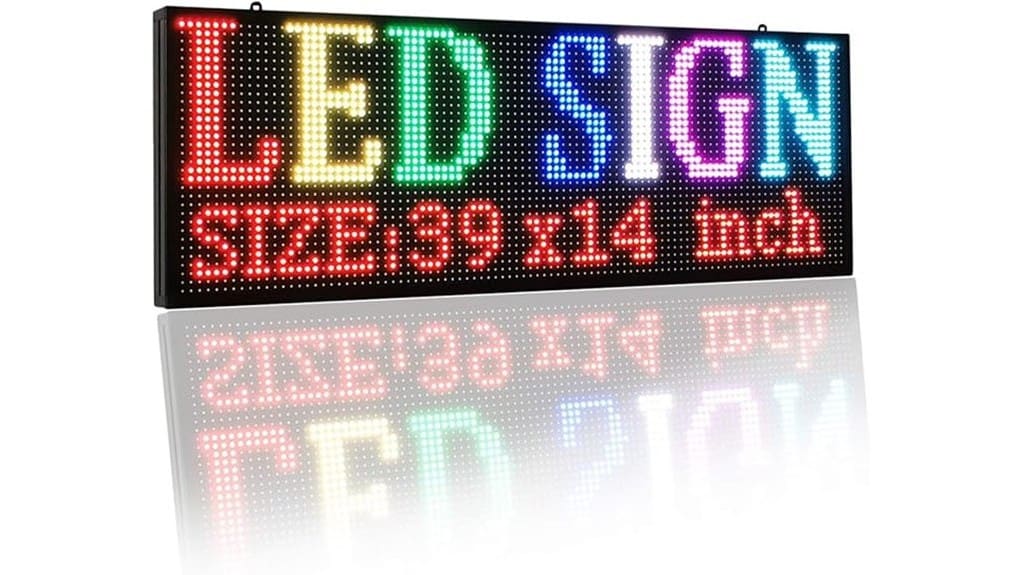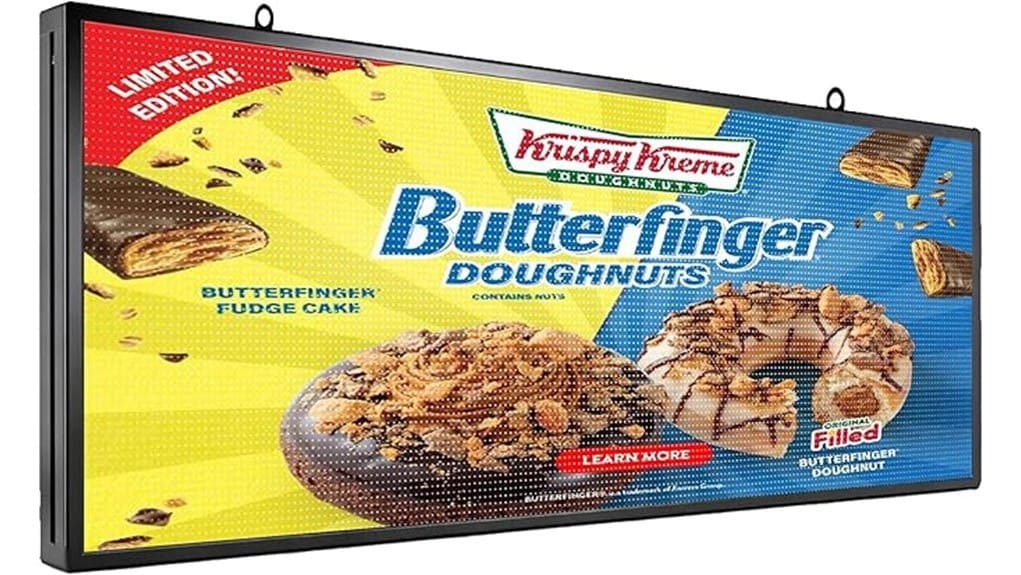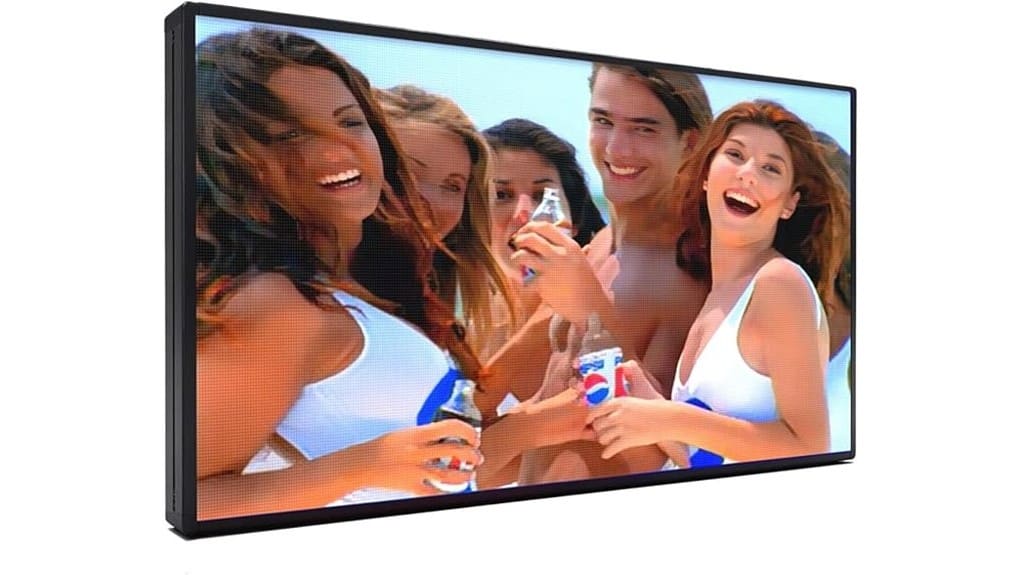
You’ll get a professional-grade 65″×33″ P5 LED sign that prioritizes 5 mm pixel pitch for sharp text and images, adjustable brightness for daylight visibility, and IP65-rated aluminum casing for weather resilience. It’s not the cheapest option but offers superior contrast, color calibration, and remote Wi‑Fi updates versus basic models. Mounting requires correct anchors and torque specs; maintenance planning and warranty checks are advised. Keep going to see setup, performance, and buyer-fit details.
Some Key Takeaways
- 65″x33″ P5 cabinet delivers high-resolution, crisp images and readable fine text at typical storefront distances (approx. 10–40 ft).
- 5 mm pixel pitch balances image detail with energy efficiency, suitable for detailed graphics and short‑range viewing.
- Adjustable brightness and strong contrast maintain day/night visibility; peak brightness supports sunny outdoor conditions.
- IP65-rated aluminum casing and recommended mounting hardware provide reliable weather resistance and structural durability.
- Windows software, USB/Wi‑Fi options, and color calibration enable remote updates, consistent branding, and easier content management.
Quick Verdict: Is the P5 LED Sign 65″x33″ Worth Buying?
While the P5 LED Sign 65″x33″ won’t be the cheapest option, it offers sharp, high-resolution output (5 mm pixel pitch), adjustable brightness for strong outdoor visibility, and IP65-rated durability—so if you need a reliable, professional-grade display for storefronts, menus, or event signage, it’s worth buying compared with lower-resolution or non-weatherproof alternatives. You’ll get clearer messaging and longer service life, and the unit supports color calibration for consistent branding across panels. Compared to lower-tier signs, it reduces maintenance risk; adding optional battery backup and robust casing lets you maintain uptime and visibility during power fluctuations and adverse conditions. Consider pairing it with weatherproof letter kits to coordinate durable outdoor messaging.
What’s in the Box and Key Specs (P5, 65″x33″, IP65, 5 Mm Pixel Pitch)
Having established that the P5 LED Sign 65″x33″ offers high-resolution outdoor performance and durability, let’s examine what you actually get and the headline specifications. You’ll receive the 65″x33″ P5 cabinet (5 mm pixel pitch), L‑shape mounting hardware, power and signal cables, Windows‑compatible control software, and quick-start guide. The IP65 rating and aluminum casing compare favorably to consumer-grade options. Peak power consumption and average operating draw are specified for planning electrical supply. Included tools support visual calibration and content upload via USB or Wi‑Fi. This package targets installers and innovators seeking reliable, high-density outdoor signage. The company also offers a range of complementary products for backlit displays, including customizable letter boards and accessories for backlit letter boards.
Real-World Visibility and Image Quality: Brightness, Viewing Distance, and Day/Night Performance
Because the P5’s 5 mm pixel pitch and adjustable brightness let it render fine text and detailed images at typical storefront distances, you’ll get crisp legibility from roughly 10–40 feet for close reading and clear recognition beyond that, with contrast and color accuracy holding up when you increase brightness for daylight conditions. You’ll notice superior contrast sensitivity compared with lower-resolution modules, reducing haloing and preserving edge detail. Measured color fidelity stays consistent across brightness settings, though extreme sunlight demands higher lumen output. At night, reduced brightness maintains dynamic range without washout. Comparatively, the P5 balances resolution, brightness, and energy efficiency well. These characteristics make it a strong match for storefronts and businesses needing durable outdoor messaging with waterproof sign letters that maintain visibility in varied weather conditions.
Setup, Mounting, and Content Updates: Software, USB vs Wi‑Fi, and L-Shape Installation Tips
When you set up the P5 LED sign, start by deciding whether you’ll rely on USB updates for occasional changes or Wi‑Fi for frequent, remote edits, since each method affects workflow, security, and latency. Use the included Windows software to create schedules and previews; USB is simpler and offline, Wi‑Fi enables immediate distribution and remote diagnostics but demands strong wireless security and network segmentation. For L‑shape mounting, follow torque specs, verify wall anchors, and test angle adjustment to optimize sightlines and reduce glare. Compare installation time and update frequency against operational needs to choose the efficient, scalable configuration. For outdoor use, select a base designed for wind-resistant stability to keep signs standing in gusty conditions.
Durability, Maintenance, Pricing, and Who Should Buy This Display
After you’ve decided on mounting and update methods, assess the P5’s long-term durability and maintenance profile against cost to determine fit for your site. You’ll rely on IP65 weatherproofing tests and aluminum casing for outdoor resilience; compare that to alternatives with higher ingress ratings if you need extreme exposure. Establish a clear maintenance schedule to minimize downtime and quantify expected repair costs for modules and power supplies. Evaluate warranty options against mean time between failures. Buy this display if you need high-resolution, remotely updated signage with moderate environmental exposure and predictable lifecycle costs; look elsewhere for harsher conditions. Consider adding a protective cover like a weather shield to extend sign life and protect messages from the elements.
Some Questions Answered
Does the Sign Support Scheduled Content Playback by Time Zone?
Yes — you can schedule playback by time zone. You’ll configure time zone scheduling within the Windows‑compatible control software, then assign playlists to local times; the system supports geo fenced playback so content triggers for specific locations or regions. Compared to basic timers, this offers coordinated, location‑aware campaigns across multiple units. You’ll find it precise, network‑capable, and suited to innovative, scalable deployments requiring synchronized, localized messaging.
Can Multiple Users Edit Content Simultaneously Remotely?
Yes — you can have collaborative editing: multiple users get simultaneous access and make changes remotely. The system offers real time synchronization so edits propagate quickly across devices, and it compares versions to handle conflicts. Compared with single‑user workflows, it boosts throughput and reduces deployment lag. It’s technical and scalable, but you’ll want to configure user roles and conflict resolution policies to prevent overwrite and guarantee consistent content management.
Is There Support for Third-Party Media Formats and Codecs?
Yes — you can use third‑party media formats, but file compatibility varies and codec licensing may be required. You’ll find common formats (MP4/H.264, JPEG, PNG) supported natively; less common codecs need conversion or licensed decoders. Compare workflows: convert externally for full compatibility or license additional codecs for direct playback. You’ll want to verify supported container/codecs list and licensing terms to guarantee seamless, high‑quality playback in your deployment.
What Warranty and Technical Support Response Times Are Offered?
You get a Limited warranty covering manufacturing defects for a defined period (typically 12–24 months), and remote technical support with rapid email/phone triage. If issues persist, onsite support is available with contracted response SLAs—commonly 48–72 hours for business-class plans versus longer for basic coverage. You’ll compare faster innovation-focused providers who offer tighter SLAs and advance replacement options against standard limited-warranty packages.
Can the Display Integrate With POS or Real-Time Data Feeds?
Yes — you can integrate it with POS or real-time feeds via API integration. You’ll push live prices, inventory, or order alerts to the display; the device accepts USB, Wi‑Fi, or wired updates and supports scheduled overrides. Compare onboard scheduling to direct API pulls for lower latency. Guarantee Data security with encrypted channels, authentication tokens, and network segmentation to protect transactions and comply with your system policies.